Zoho CRM Sync for WPForms
Reduced manual lead handling
Challenge
Website enquiries arrived through WPForms and landed in wp-admin and in email inboxes. The sales team had to log into WordPress or dig through reply-all email threads to find new leads, then copy them into Zoho CRM. Leads were slow to reach the right person, and some were missed entirely.
Solution
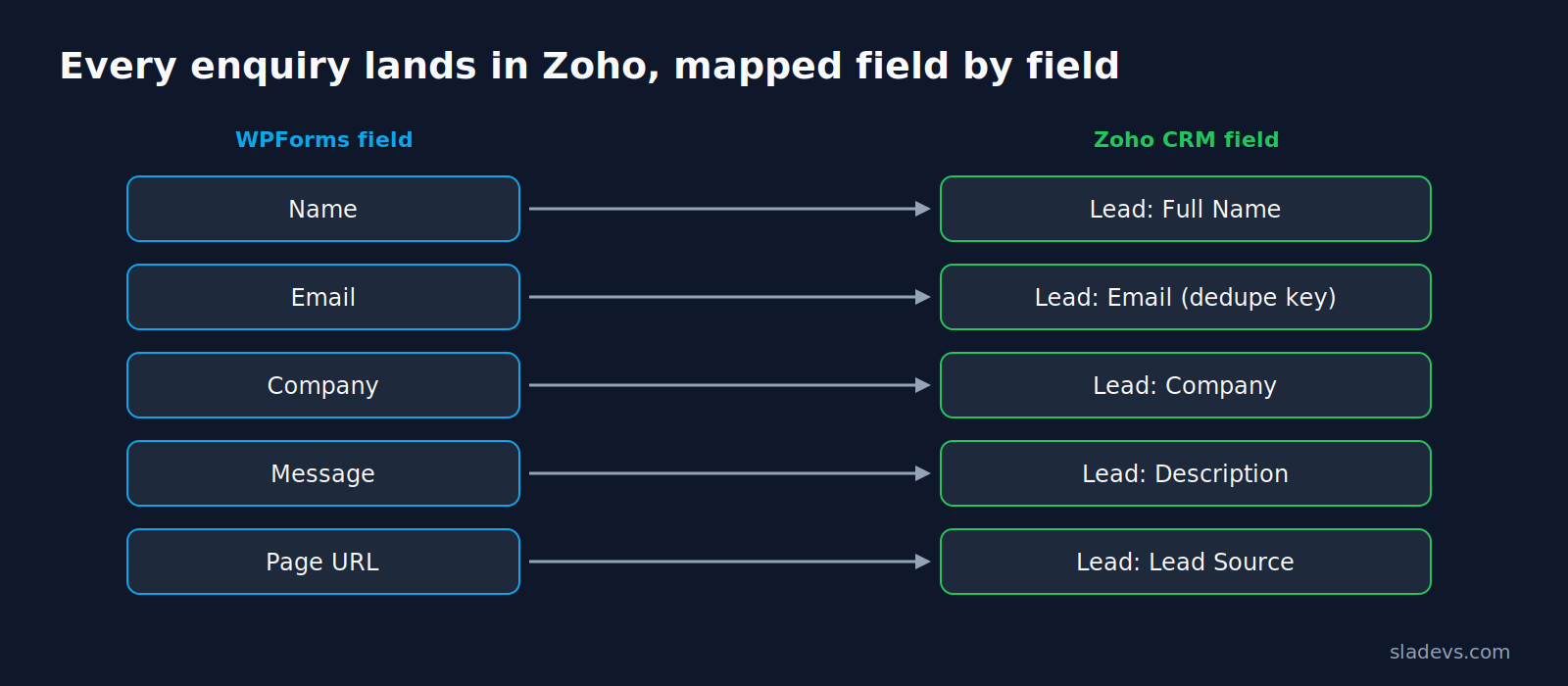
I built a direct WPForms → Zoho CRM integration. Each submission is mapped to Zoho Lead fields and sent as soon as the form is submitted, so the CRM becomes the single place where sales works.
How it works
- Hooks into WPForms' submission event
- Maps each form field to the matching Zoho Lead field
- Checks for an existing record by email to avoid duplicates
- Retries on temporary API errors and logs every sync
What I built
- ✓Real-time push from WPForms submission to Zoho CRM
- ✓Email-based lookup before create, to prevent duplicate leads
- ✓Repeat submissions update the existing Zoho record instead of creating a new one
- ✓No wp-admin access needed for the sales team — everything happens in Zoho
Results
- ✓The sales team works entirely inside Zoho, with no wp-admin logins
- ✓No more reply-all email threads to track who's handling a lead
- ✓Faster first response to new enquiries
Keep exploring.
Custom & Bespoke WordPress Development
Bespoke WordPress systems for requirements no existing plugin or theme covers: custom data models, admin tools and workflow logic built…
Learn More about Custom & Bespoke WordPress Development →Custom WordPress Plugin Development
Purpose-built plugins that do one job well, follow WordPress coding standards, and keep working through core, theme and WooCommerce updates.
Learn More about Custom WordPress Plugin Development →Related
This is the form-side version of my WooCommerce to Zoho sync. See Zoho CRM integration and other form-to-CRM integrations.