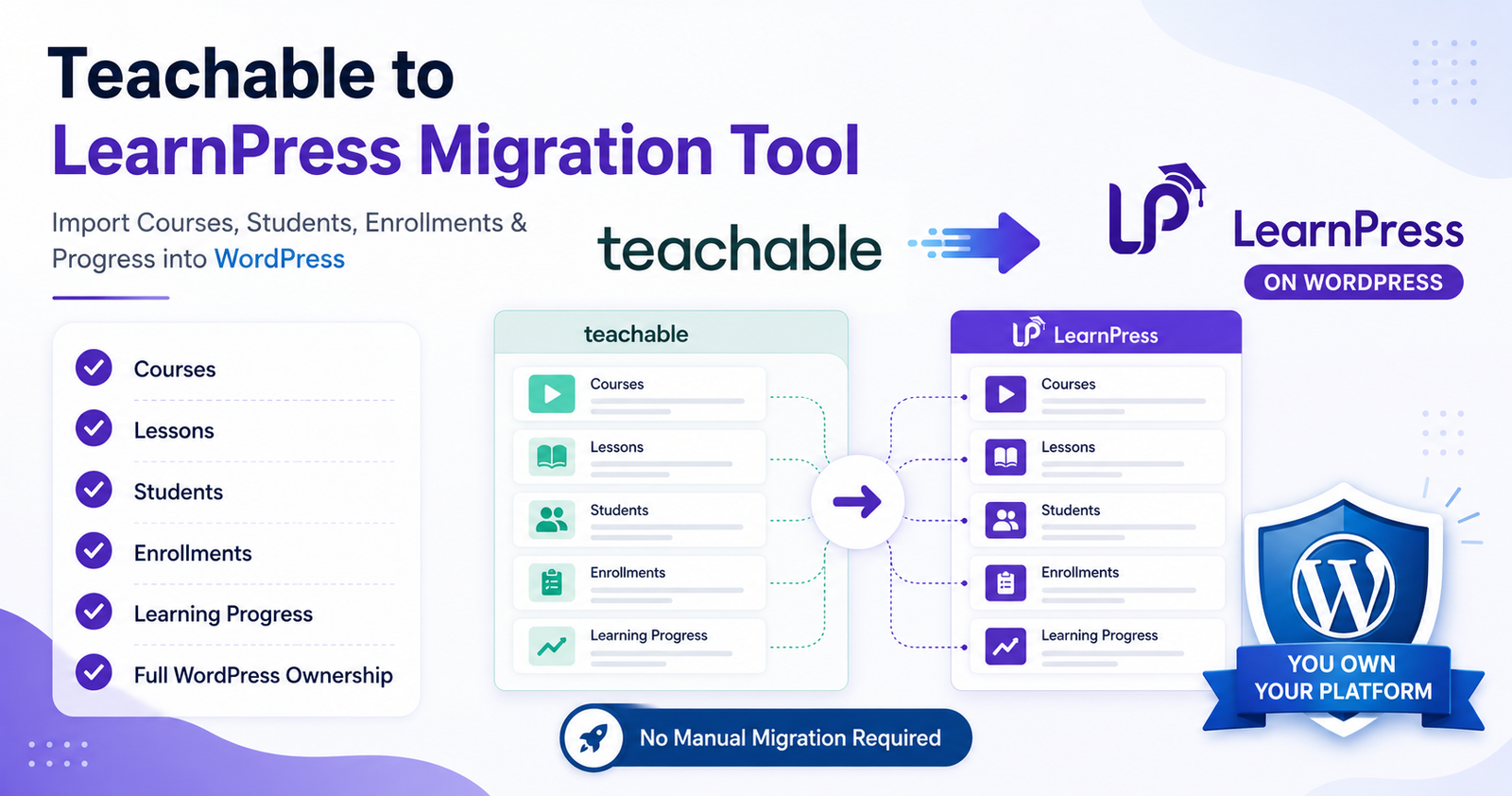
How I Built a Teachable to LearnPress Migration Tool for Courses, Students & Enrollments
Introduction
Many course creators start with Teachable because it offers a simple way to launch online courses. However, as businesses grow, platform limitations, recurring subscription costs, and the need for greater customization often lead them to consider self-hosted alternatives such as LearnPress on WordPress.
While moving course content may seem straightforward, a complete migration involves much more than exporting and importing data. Courses, lessons, students, enrollments, and learning relationships must all be transferred correctly to ensure a smooth transition.
To solve this challenge, I developed a custom migration tool that automates the process of importing Teachable data into LearnPress.
Why Businesses Move from Teachable to LearnPress
The most common reasons organizations migrate include:
Full Ownership
With WordPress and LearnPress, businesses own their website, content, and student data.
Reduced Long-Term Costs
Recurring SaaS platform fees can become significant as student numbers increase.
Greater Flexibility
WordPress allows complete customization through themes, plugins, and custom development.
Integration Opportunities
Organizations can integrate CRM systems, marketing tools, payment gateways, and business workflows more easily.
The Migration Challenges
Migrating an LMS is not simply copying content from one platform to another.
Several challenges must be addressed:
Different Database Structures
Teachable and LearnPress store information differently.
Course relationships, lesson structures, and enrollment records require mapping between systems.
Student Data Management
Student accounts must be migrated without creating duplicate users or losing access to courses.
Enrollment Mapping
One of the most critical tasks is ensuring students remain enrolled in the correct courses after migration.
Performance
Large training platforms may contain thousands of students and hundreds of courses.
Processing large datasets efficiently becomes essential.
Planning the Migration Architecture
Before writing any code, I designed a migration workflow.
Step 1: Data Collection
Export course, lesson, student, and enrollment data from Teachable.
Step 2: Data Validation
Validate imported records to identify missing or incomplete data.
Step 3: Course Creation
Generate LearnPress courses while preserving hierarchy and relationships.
Step 4: Student Migration
Create or update WordPress user accounts.
Step 5: Enrollment Processing
Map students to their corresponding LearnPress courses.
Step 6: Verification
Verify imported records and enrollment accuracy.
This structured approach reduces migration risks and simplifies troubleshooting.
Building the Migration Tool
The migration tool was designed as a WordPress plugin to provide a familiar user experience for site administrators.
Core features include:
Course Import
Automatically creates LearnPress courses from exported Teachable data.
Student Migration
Imports student records and creates WordPress user accounts.
Enrollment Synchronization
Connects imported students with their purchased or assigned courses.
Batch Processing
Processes records in manageable batches to avoid server timeouts.
Progress Tracking
Displays migration status and progress information.
Error Logging
Provides detailed logs to help identify issues during migration.
Performance Considerations
When dealing with large LMS platforms, performance becomes critical.
Several optimization techniques were implemented:
Batch Operations
Records are processed in chunks instead of loading everything at once.
Database Optimization
Queries are designed to minimize unnecessary database operations.
Memory Management
Large datasets are processed incrementally to prevent memory exhaustion.
Error Recovery
Failed records can be retried without restarting the entire migration.
Common LMS Migration Mistakes
Organizations often encounter issues when migrating learning platforms.
Some of the most common mistakes include:
Ignoring User Relationships
Migrating students without preserving enrollments can create a poor learning experience.
Skipping Validation
Unverified data can result in incomplete courses or missing users.
Lack of Backup Strategy
Always create backups before running any migration process.
Testing Directly on Production
Perform migration testing in a staging environment before going live.
Benefits of a Custom Migration Solution
A custom migration tool provides several advantages:
- Reduced manual work
- Faster migration process
- Improved data accuracy
- Better scalability
- Lower risk of data loss
- Repeatable migration workflows
For organizations with significant course libraries and student bases, automation can save dozens of hours compared to manual migration.
Final Thoughts
Moving from Teachable to LearnPress is often the first step toward gaining full ownership and flexibility over an online learning platform.
However, successful migration requires more than importing course content. Student accounts, enrollments, and platform relationships must all be handled correctly.
By developing a custom migration solution, it becomes possible to automate much of the process, reduce migration complexity, and help organizations transition to WordPress with confidence.
As online learning platforms continue to grow, reliable migration tools will play an increasingly important role in helping businesses move between systems efficiently and securely.